
This free revision page is for trainees taking CDACC ICT Operator Level 4 (KNQF Level 4, Cycle 3) at a VTC or technical college. The assessment covers four core units: computer essentials, office applications, network setup, and repair and maintenance. Practical work carries 90% of the marks in every unit.
Units and hours
| Unit of competency | Hours | What you must be able to do |
|---|---|---|
| Computer Essentials | 120 | Assemble and boot hardware, manage files and backups, install software, work online safely. |
| Computer Operations | 150 | Produce documents, spreadsheets, databases, presentations and designs; print, scan and collaborate online. |
| Computer Network Setup | 200 | Terminate, connect and test cables, configure devices, maintain the network. |
| Computer Repair and Maintenance | 200 | Diagnose faults, replace and test components, carry out scheduled maintenance. |
| Industry training | 320 | Apply all four units in an ICT workplace, recorded in a logbook. |
Key notes by unit
Computer Essentials
- A cold boot starts a computer that is fully off and runs the full POST; a warm boot restarts it through the operating system.
- SSDs have no moving parts, so never defragment them; Windows uses TRIM instead.
- 3-2-1 backup rule: three copies, two kinds of media, one copy off-site. Sync is not a backup, because deletions are copied too.
- Shift + Delete removes a file permanently, bypassing the Recycle Bin.
- A clock that keeps resetting points to a flat CMOS battery.
Computer Operations
- Relative references (B2) shift when copied; absolute ($B$2) stay fixed; mixed ($B2, B$2) lock only the column or row.
- Mail merge joins a main document to a data source: select recipients, insert merge fields, preview, finish.
- A primary key identifies each record; a foreign key holds another table’s primary key.
- Use heading styles so References → Table of Contents builds the list automatically.
- RGB is for screens, CMYK for professional printing.
Computer Network Setup
- T568B: white/orange, orange, white/green, blue, white/blue, green, white/brown, brown.
- Straight-through cables join unlike devices (PC to switch); crossover cables (T568A to T568B) join like devices.
- Maximum copper length is 100 m: 90 m permanent link plus 10 m of patch cords.
- A hub repeats to every port, a switch forwards by MAC address, a router joins networks by IP address.
- DHCP steps: Discover, Offer, Request, Acknowledge.
Computer Repair and Maintenance
- Complete a job card and warn the customer about possible data loss before starting.
- A swap test uses a known good part; minimal configuration boots with essential parts only.
- Continuous beeping usually means RAM; a CMOS checksum error means a weak CMOS battery.
- PSU rails should be within about ±5%: +12 V between 11.4 and 12.6 V.
- Maintenance types: preventive, corrective, predictive and adaptive.
Practice questions
Differentiate incremental and differential backups.
Answer: Incremental copies changes since the last backup of any type; differential copies everything changed since the last full backup.
Classify Ubuntu, 7-Zip and a printer driver.
Answer: Operating system, utility, driver.
Write a formula giving “Distinction” for F2 of 70 or more, “Pass” for 50–69 and “Fail” below 50.
Answer: =IF(F2>=70,”Distinction”,IF(F2>=50,”Pass”,”Fail”))
Why is a DELETE query without WHERE dangerous?
Answer: It deletes every record. Preview it as a SELECT first and back up the database.
Transition or animation: what is the difference?
Answer: A transition happens between slides; an animation applies to objects on one slide.
How do you clear a printer paper jam safely?
Answer: Switch off and unplug, open the covers, pull the paper gently in the direction of travel, remove every piece, close and restart.
On a cable tester, two lights come on together. What fault is this?
Answer: A short. One light staying off means an open wire. Re-terminate and retest.
A computer’s IP address begins 169.254. What has happened?
Answer: No DHCP server answered (APIPA). Check the cable and the router or DHCP server, then run ipconfig /renew.
How do you use a fire extinguisher, and which suits a computer room?
Answer: Pull the pin, Aim at the base, Squeeze, Sweep. CO₂ is best; never use water on electrical equipment.
After a repair, a CPU reads 96 °C. Pass or fail?
Answer: Fail. Check the heat sink for dust, the fan and the thermal paste, then retest.
Common mistakes in the assessment
- Skipping safety steps: assessors watch the process, not just the product.
- Crimping errors: nicked insulation, too much untwisting, mixed standards, jacket outside the connector. Always test.
- Copying formulas without dollar signs, so references move.
- Laying out documents with the space bar and Enter instead of styles and page breaks.
- Portfolio evidence that is undated, unsigned or not labelled with its performance criterion.
Safety essentials
- Shut down, unplug and press the power button to drain charge before opening a computer. Never open the PSU.
- Prevent electrostatic discharge with a wrist strap, antistatic mat and bags.
- Never use a household vacuum or water inside a computer.
- After an electric shock, do not touch the victim until the power is off.
- Screen top at or just below eye level; follow the 20-20-20 rule.
Get the full guide
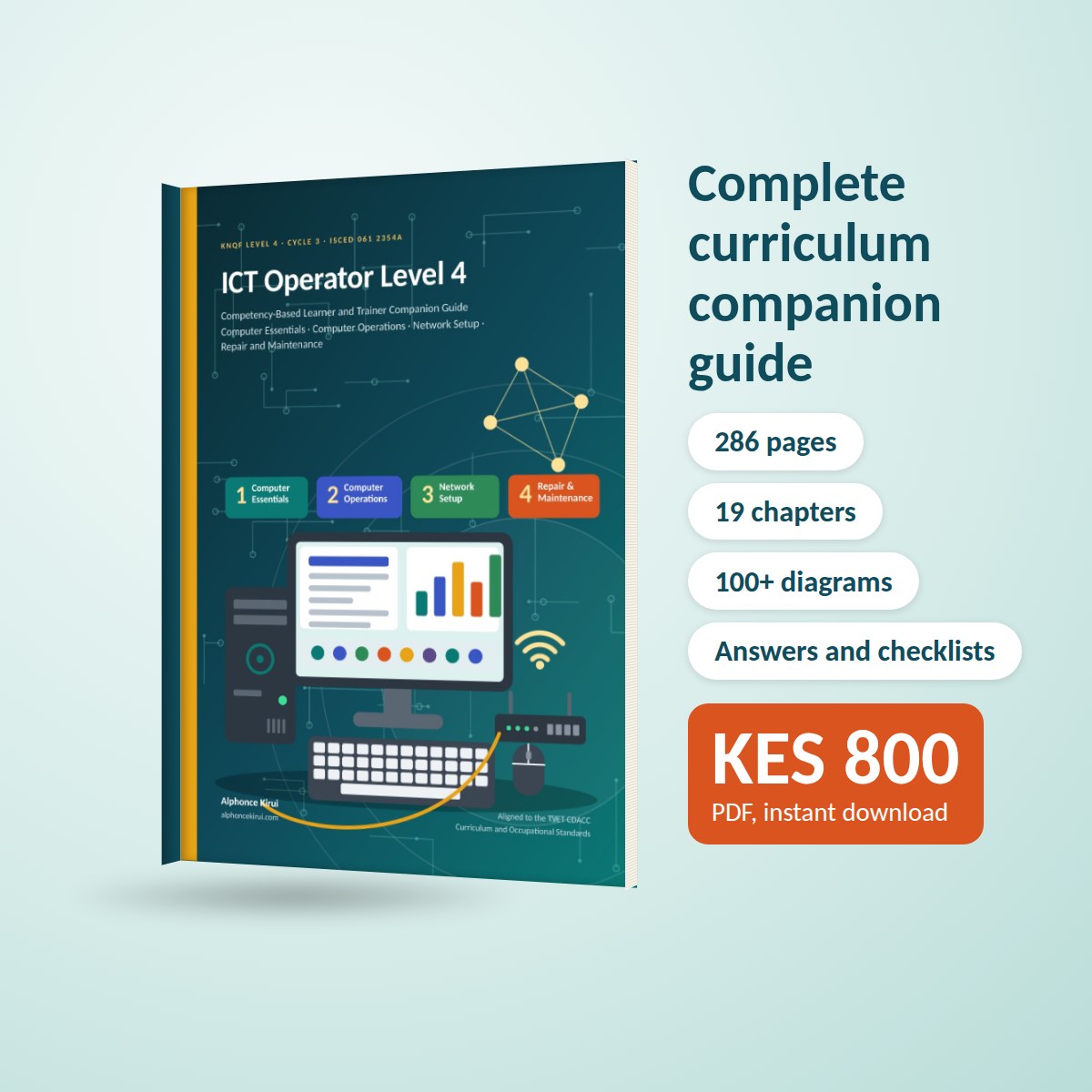
The full companion guide runs to 286 pages across 19 chapters, with practical activities, review questions and a full answer key, an assessment checklist in every chapter, a portfolio and logbook guide, and a performance criteria crosswalk. Get the full companion guide or download the free sample.
Revision offer: buy any 2 CDACC study guides and use code REVISION2 at checkout for KES 300 off. Valid until 15 December 2026.
This is an independent study guide. It is not published or endorsed by TVET CDACC, TVETA or the Ministry of Education.