
This free revision page is for trainees and RPL candidates preparing for the CDACC Computer Operations Level 3 (KNQF Level 3, Cycle 3) assessment. The course has three core units plus industrial training, and each unit is assessed about 90% on practical work and 10% on oral questions asked while you work.
Units and hours
| Unit of competency | Hours | What you must be able to do |
|---|---|---|
| Apply Basic Computing Concepts | 60 | Explain hardware and software, identify devices and connect a computer system so it works as one unit. |
| Apply Basic Computer Skills | 100 | Operate a computer, use Windows, manage files, and produce Word documents and Excel worksheets. |
| Apply Computer-Based Communication | 70 | Communicate at work, use the internet and email, and stay safe on social media. |
| Industrial training (ICT sector) | 240 | Work under a mentor, keep a logbook and build a portfolio of evidence. |
Key notes by unit
Apply Basic Computing Concepts
- A computer works in four stages: input, process, output and storage.
- Hardware is the physical parts; software is the programs. Windows and antivirus are system software; Word and Excel are application software. Never use cracked software.
- RAM is temporary memory, emptied when power goes off. Storage units rise by 1,024: KB, MB, GB, TB.
- VGA is blue with 15 pins; audio sockets are green (speakers), pink (microphone) and blue (line-in).
- Connect data cables first and power last. Switch on: wall, UPS, power supply, monitor, system unit.
Apply Basic Computer Skills
- Shut down from Start > Power > Shut down; lock with Windows + L. For a frozen program, use Task Manager.
- Touch typing starts from the home row ASDF JKL; and five characters count as one word.
- Save updates a file; Save As makes a new copy. Copy keeps the original; cut moves it. Files deleted from a flash disk skip the Recycle Bin.
- In Word, press Enter only to end a paragraph, check Print Preview, and save as .docx and PDF.
- Excel formulas start with = and follow BODMAS; use SUM, AVERAGE, MIN, MAX and COUNT. #### means the column is too narrow.
Apply Computer-Based Communication
- Communication cycle: sender, encoding, message, channel, receiver, decoding, feedback. Noise can spoil any stage.
- A memo stays inside an organisation; a letter goes outside.
- The web is one service on the Internet. Look for https and the padlock; .go.ke marks a Kenyan government site.
- Cc copies are visible to all; Bcc addresses are hidden. Attachments should usually be under 20–25 MB.
- Use a passphrase of at least 12 characters and two-step verification. Never share a PIN or code.
Practice questions
Why does a power cut wipe an unsaved document?
Answer: It exists only in RAM, which empties when power goes off. Saving copies it to permanent storage.
Convert 3 GB into MB.
Answer: 3 × 1,024 = 3,072 MB.
Which goes on the UPS: the laser printer or the system unit and monitor?
Answer: The system unit and monitor. The laser printer goes on a surge protector, never the UPS.
What is the difference between a cold boot and a warm boot?
Answer: A cold boot starts a computer that was fully off; a warm boot is a restart while it is on.
A customer deleted a letter from her flash disk. Can you restore it from the Recycle Bin?
Answer: No. Files deleted from a flash disk are removed permanently.
What do =20+10/2 and =(20+10)/2 give in Excel?
Answer: 25 and 15, because Excel follows BODMAS and works brackets first.
A trainee types 1,500 characters in 6 minutes with 9 errors. Find the net speed.
Answer: 300 words ÷ 6 = 50 WPM, minus 9 ÷ 6 = 1.5, gives 48.5 WPM.
What is the difference between Cc and Bcc?
Answer: Cc sends a copy everyone can see; Bcc hides that address from the others.
An SMS from an ordinary 07XX number says money was sent to you by mistake. What do you do?
Answer: Check your balance on the official menu, send nothing, report it (Safaricom: forward to 333) and delete it.
What is the difference between the Internet and the World Wide Web?
Answer: The Internet is a worldwide network of networks; the web is one service on it, opened in a browser.
Common mistakes in the assessment
- Typing before reading the whole task brief.
- Saving files as “Doc1” or in the wrong folder.
- Switching off at the wall without shutting down Windows.
- Staying silent when the assessor asks what you are doing.
- Leaving your email signed in after the Unit 3 task.
Safety essentials
- No food or drink near computers; never touch sockets with wet hands.
- Never plug one extension into another.
- Never use water on an electrical fire; use a CO2 extinguisher.
- In an electric shock, switch off the power before touching the person.
- Follow the 20-20-20 rule: every 20 minutes, look about 6 metres away for 20 seconds.
Get the full guide
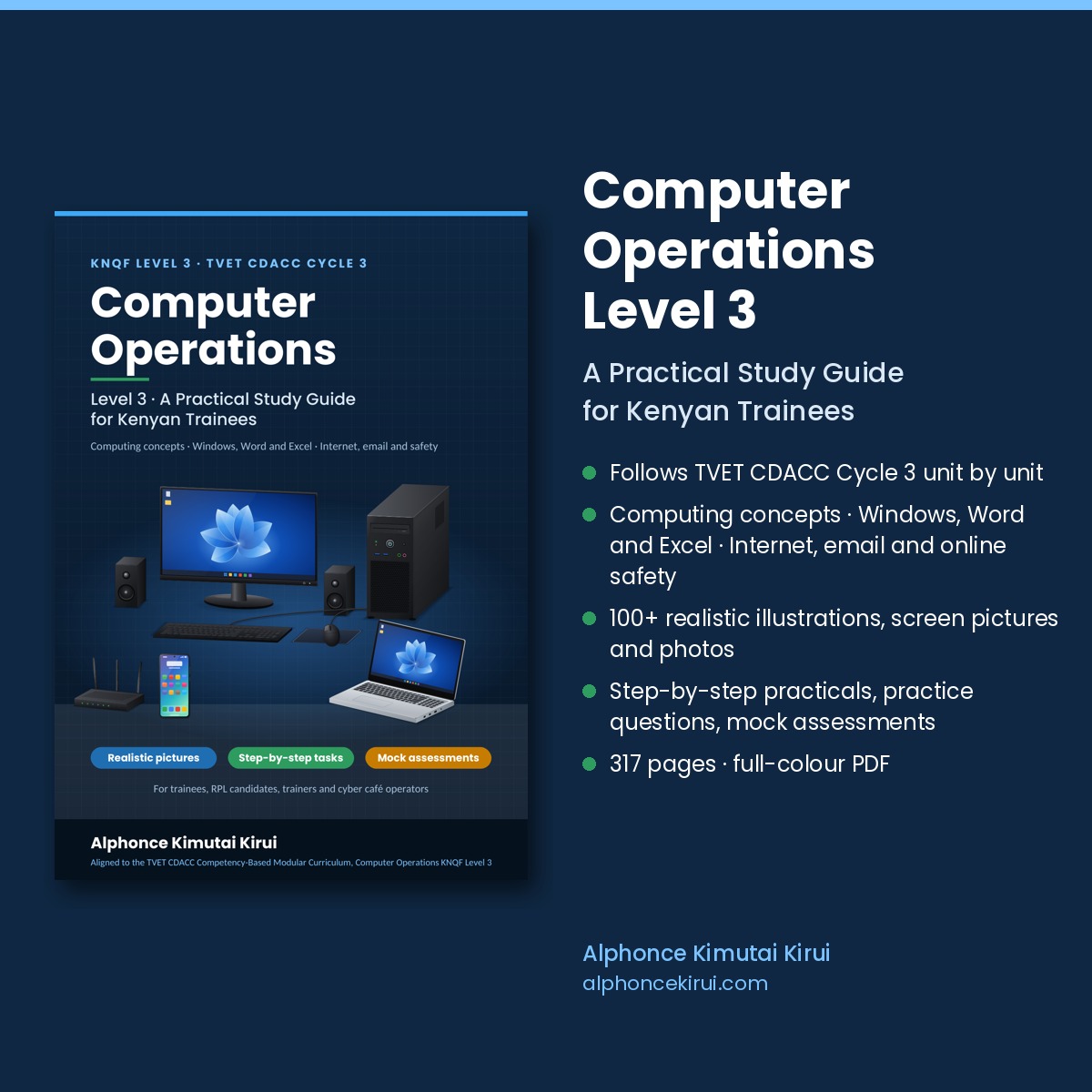
The full Computer Operations Level 3 guide has 17 chapters and over 300 pages, with illustrations, step-by-step practical tasks, worked examples, competence checklists, three mock practical assessments, answers to every practice question and logbook pages. Read the free sample first.
Revision offer: buy any 2 CDACC study guides and use code REVISION2 at checkout for KES 300 off. Valid until 15 December 2026.
This is an independent study guide. It is not published or endorsed by TVET CDACC, TVETA or the Ministry of Education.